

A website redesign traffic drop is a mechanical fault, not bad luck, and almost every one of them is traceable in an afternoon without buying anything. The first job is not finding the fault. It is working out whether you lost the traffic or lost the leads that traffic was already sending you, because those are two different problems with two different culprits and the fix for one does nothing for the other.
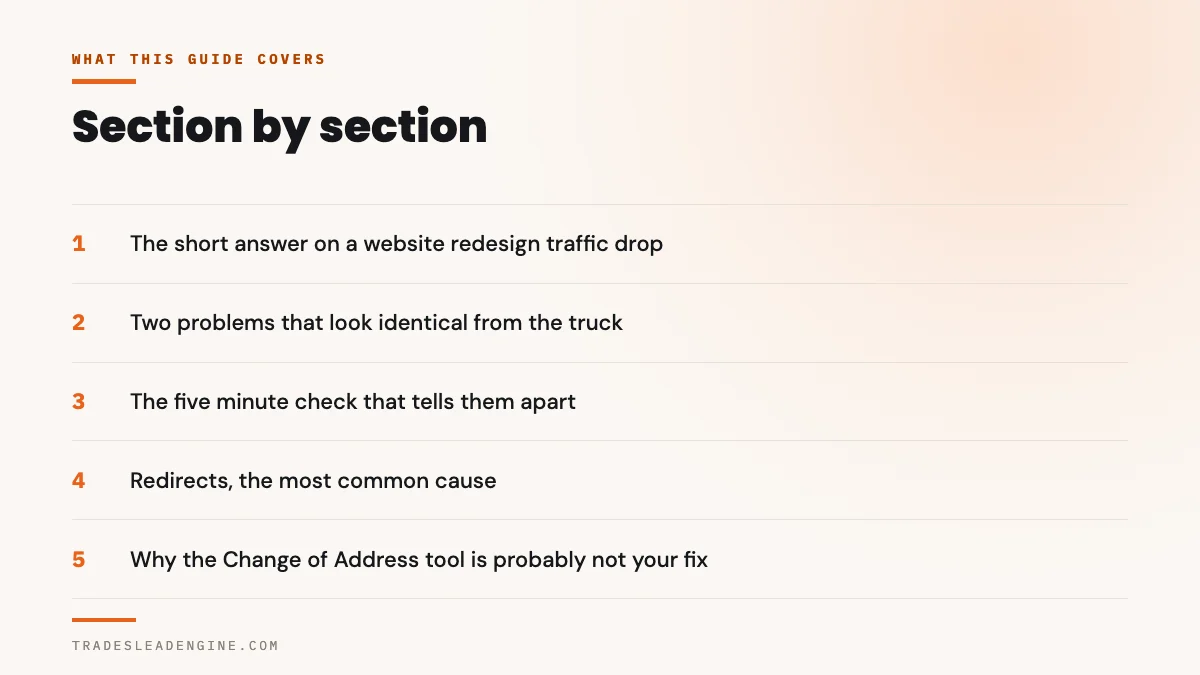
What’s in this guide
- The short answer on a website redesign traffic drop
- Two problems that look identical from the truck
- The five minute check that tells them apart
- Redirects, the most common cause of a website redesign traffic drop
- Why the Change of Address tool is probably not your fix
- The noindex switch nobody remembered to turn off
- Pages that quietly stopped existing
- When the traffic is fine and the form is eating your leads
- The phone number is the other half of the problem
- Your analytics may be the only thing that broke
- Was it the redesign, or did Google move the same week
- What a slower site does and does not explain
- Numbers people will quote at you that do not hold up
- What to do on Monday
- Before you fire whoever built it
- Questions owners actually ask
The short answer on a website redesign traffic drop
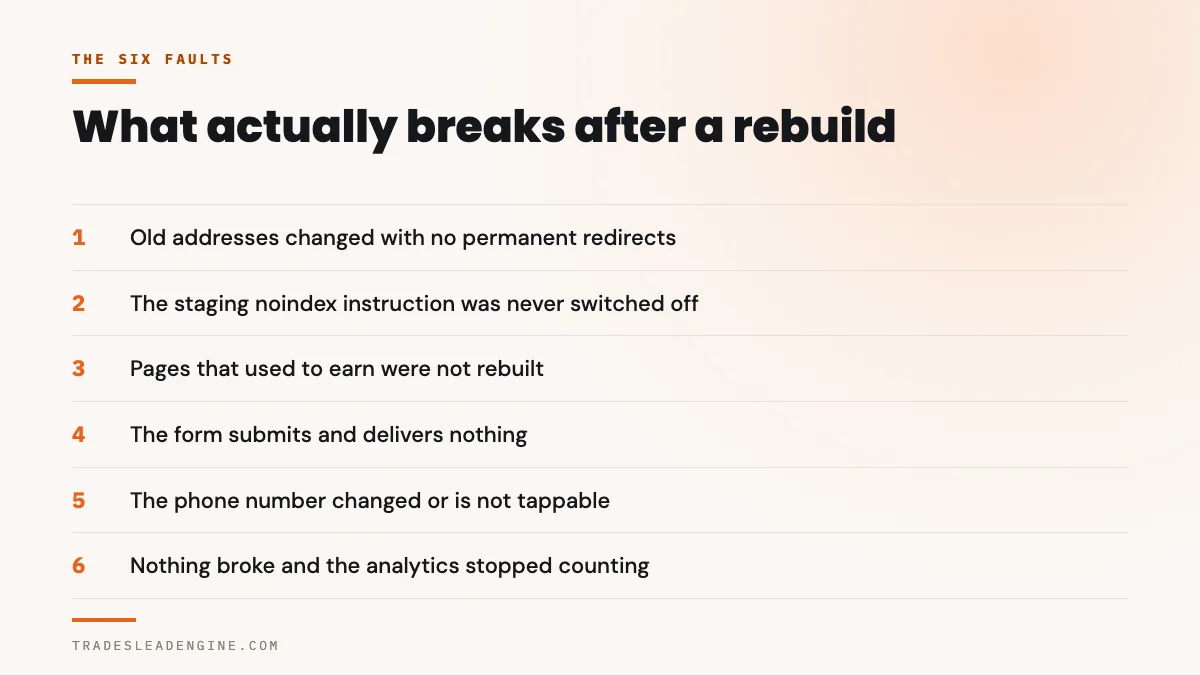
Six faults account for nearly every case. The old page addresses changed and nothing was redirected. The new site is still carrying the instruction that told Google to stay away while it was being built. Pages that used to exist were quietly dropped. The contact form submits, says thank you, and sends the lead nowhere. The phone number on the page changed, or stopped being tappable. Or nothing broke at all and your analytics simply stopped counting.
Five of those six are checkable by you, today, with two free tools you already have access to. None of them requires a diagnosis from the company that built the site, which matters, because that company is the one you are currently deciding whether to trust.
The sixth possibility is the uncomfortable one: your site is fine and Google moved. That happens, it is checkable too, and it is the reason this guide asks you to look at dates before you look at blame.
Before you accuse anyone, find out whether fewer people are arriving or the same people are arriving and not reaching you. Those two symptoms feel identical when the phone is quiet, and they have nothing in common underneath.

Two problems that look identical from the truck
From where you sit, both failures produce the same week: the phone does not ring, the inbox has nothing in it, and the new site looks better than the old one, which makes the whole thing feel like a cruel joke.
Underneath they are opposites. A visibility problem means Google is sending fewer people, or none, because the addresses it had on file stopped working or the site told it to go away. A conversion problem means Google is sending exactly as many people as before and the site is swallowing them: the form does not deliver, the number is wrong, the button does nothing on a phone.
The distinction is not academic. A visibility problem is fixed in the server configuration and in Search Console, and it takes weeks to recover even after the fix lands. A conversion problem is usually fixed in under an hour and recovers the same day. Chasing the wrong one costs you a month.
Why both get blamed on the redesign
Because a rebuild changes everything at once. Addresses, templates, forms, tracking code, the phone number in the header, the hosting, sometimes the domain registrar. When ten things change on a Tuesday and the phone stops on a Wednesday, every one of the ten is a suspect and none of them is proven.
That is also why “we didn’t touch your SEO” is not a defence worth arguing with. Nobody has to touch your SEO to break it. Changing a page address is enough.
The five minute check that tells them apart
Open Google Search Console and go to the Performance report. Set the date range to compare the four weeks before launch against the four weeks after. You are looking at two lines: impressions, which is how often you appeared, and clicks, which is how often someone chose you.
Google tells you to start in exactly this place, and to read the two lines against each other rather than on their own.
The best way to understand what happened to your traffic is to look at the main chart in your Search Console Performance report, as it summarizes a lot of information.
Google Search Central, Debugging drops in Google Search traffic
Three shapes, three verdicts. Both lines fall off a cliff on launch day: Google lost your pages, which is a redirect, indexing or access problem. Impressions hold steady and clicks fall: you are still appearing and fewer people are choosing you. Both lines hold and the phone is still silent: nothing happened in search at all, and your problem sits between the visitor and you.
Google draws the same second line, and names what it usually means.
If your impressions remain the same but your clicks drop, you might not be generating the best page title and snippet that you could, and so users don’t understand the content of your page, or perhaps other sites had a more appealing rich result.
Google Search Central, Debugging drops in Google Search traffic
On a rebuild that shape has an obvious suspect. New templates often ship with the page title the theme generated rather than the one that had been earning clicks for three years.
A clean launch shows a shallow dip for one to three weeks while Google recrawls, then a return to the previous level or slightly above it. A vertical drop to near zero on the day of launch is not a settling period. It is a fault, and it will not heal on its own.
| What you see | Search Console chart | Most likely cause | How to confirm it in minutes | Who fixes it |
|---|---|---|---|---|
| Phone dead, traffic gone | Impressions and clicks both fall vertically on launch day | Old page addresses changed with no permanent redirects | Type three old page addresses you remember into a browser. If you land on a not found page rather than the new equivalent, that is your answer | Whoever controls the server or the WordPress redirect plugin |
| Phone dead, traffic gone, nothing indexed | Both lines fall and the Page indexing report fills with “Excluded by noindex tag” or “Blocked by robots.txt” | The staging instruction that hid the site during the build is still switched on | Search Console URL Inspection on your home page, using Test live URL | Site administrator, roughly a two minute fix |
| Phone dead, traffic down a third | Both lines fall partway and stay there | Pages that used to rank were not rebuilt, so the queries they answered have nowhere to land | Compare the old site map against the new one. Count what is missing | Whoever writes the content, not the developer |
| Phone dead, traffic normal | Impressions and clicks both unchanged | Form notifications are not being delivered, or the number changed | Submit your own form from your phone and watch for the email. Then tap the number in the header | Site administrator, usually under an hour |
| Phone normal, reports empty | Search Console unchanged, analytics at zero or direct traffic oddly high | The measurement code was not carried across to the new templates | View the page source and search for your measurement ID | Whoever built the site, same day |
Redirects, the most common cause of a website redesign traffic drop
Every page you have ever ranked for is a street address. Google has that address written down, other websites link to it, and customers have it bookmarked. When a rebuild changes /ac-repair/ to /services/air-conditioning-repair/, the old address stops resolving. Everything pointing at it now points at nothing.
A redirect is the forwarding order that tells both Google and the visitor where the page went. Google is explicit about which kind to use.
Use server side permanent redirects if technically possible. Although Googlebot supports several kinds of redirects, we recommend that you use HTTP permanent redirects if possible, such as 301 and 308.
Google Search Central, Site moves with URL changes
The word that matters is permanent. A temporary redirect leaves the old address as the one Google keeps showing, which means none of the credit the old page built up moves to the new one. Google states the difference in one line: permanent redirects “show the new redirect target in search results”, temporary ones “show the source page in search results”.
The mapping is the work, and it is usually what gets skipped
A redirect that sends every old address to the home page is not a migration, it is a shrug. It tells Google that forty specific pages have all been replaced by one general one, and the queries those pages answered find nothing relevant at the other end. Google’s instruction is per page.
Once you have the listing of old URLs, decide where each one should redirect to.
Google Search Central, Site moves with URL changes
Each one. The old water heater page goes to the new water heater page, not to the services index. If there is genuinely no equivalent, that is a decision to make deliberately, not a default to fall into.
How long the forwarding orders have to stay up
Longer than almost anyone keeps them. Google asks for a year, and says why.
Keep the redirects for as long as possible, generally at least 1 year. This timeframe allows Google to transfer all signals to the new URLs.
Google Search Central, Site moves with URL changes
If the company that rebuilt your site put redirects in place for the handover and removed them when the project closed, you can get a second drop months after launch, long after everybody stopped watching. That one is particularly cruel because it arrives with no obvious trigger.
Two smaller rules from the same page are worth having in your pocket. Update the internal links on the new site to the new addresses rather than relying on the redirects to catch them. And avoid chains: Google will follow up to ten hops but advises “redirecting to the final destination directly”.
Why the Change of Address tool is probably not your fix
Somebody has told you to file a Change of Address in Search Console. If your domain name did not change, that advice is wrong, and Google says so on the tool’s own help page.
The tool exists for one situation: “when you move your website from one domain or subdomain to another”. A rebuild that keeps yourcompany.com and changes the page addresses underneath it is not that situation. Google lists it explicitly as a case not to use the tool for.
Moving some pages from one location to another within your site: For example, from example.com/oldpath/… to example.com/newpath/…). In this case, just add redirects, and update your sitemaps
Google Search Console Help, Change of Address tool
Three other situations are listed as out of scope on the same page: moving from http to https, moving between the www and non-www versions of one domain, and changing hosting provider without any visible change to the addresses. If your rebuild was any of those, the tool is not the answer either.
Filing a Change of Address you did not need wastes an afternoon. Believing you have fixed the problem because you filed it wastes a quarter. The redirects are the fix in a same domain rebuild, and nothing in Search Console substitutes for them.
If the domain genuinely did change
Then the tool is right, and there is a clock attached to it that almost nobody mentions. Google’s help page states that the migration behaviour “continue for 180 days after you start migration in Search Console”, and then: “After the 180 day period, Google does not recognize any relationship between the old and new sites”.
The same page asks you to “Maintain the redirects for at least 180 days”, and longer than that if Google is still sending you traffic through them. Read against the year that the site move guidance asks for, the sensible reading is to treat a year as the floor and 180 days as the absolute minimum, then leave them up indefinitely because an old redirect costs you nothing.
Two clocks that run after a rebuild, drawn to scale
The day axis runs at 2 pixels per day. Below it, the three chart shapes a drop can take and what each one points at.
The noindex switch nobody remembered to turn off
While a site is being built it is normally hidden from search on purpose. In WordPress that is a single checkbox under Settings, Reading, and the documentation describes exactly what it does.
Discourage search engines from indexing this site
WordPress documentation, Settings Reading Screen
Since WordPress 5.3 that checkbox writes noindex,nofollow into every page of the site. The documentation adds the part that makes it dangerous: “Neither of these options blocks access to your site”, so the new site looks perfect to you and to every customer who visits it. Only Google is being turned away.
Google’s side of this is blunt about the consequence.
When Googlebot crawls that page and extracts the tag or header, Google will drop that page entirely from Google Search results, regardless of whether other sites link to it.
Google Search Central, Block Search indexing with noindex
Entirely. Not demoted, not ranked lower, gone. If a rebuild launched with that checkbox still ticked, both lines in your Performance report go to zero within days and no amount of content work touches it.
How to check it in two minutes
Use the URL Inspection tool in Search Console on your home page and press Test live URL, which “fetches and examines the URL in real time” rather than reporting what Google saw last week. If it reports the page as excluded by a noindex tag, you have found your fault. The other place to look is the Page indexing report, where Google labels this case “When Google tried to index the page it encountered a ‘noindex’ directive and therefore did not index it.”
Worth knowing: a robots.txt block and a noindex tag are different faults with different symptoms, and they interfere with each other. Google warns that a page blocked in robots.txt is never read, so “the crawler will never see the noindex rule, and the page can still appear in search results”. A site can be simultaneously blocked and not removed, which is the worst of both.
Not sure which of the six faults you are looking at
The free Lead Engine Scorecard checks a site the way a cautious homeowner and an AI assistant both check it: whether pages are reachable and indexable, whether the forms and the phone actually work on a phone, speed, trust signals and whether you are being cited in AI answers at all. No sales call required.
Pages that quietly stopped existing
A rebuild is often sold as a simplification. Thirty two pages become eleven. The eleven are better written and better looking, and the twenty one that went away were each answering a question somebody was typing.
The page about frozen evaporator coils, the one about permit inspections, the one about why a condenser trips the breaker. Individually none of them looked important. Collectively they were the reason you appeared for anything other than your own company name.
This produces a different chart shape from the redirect fault: a partial drop that settles at a new, lower level and stays there. Nothing is broken. There is simply less of you.
Google’s Page indexing report will show the casualties as “This page returned a 404 error when requested” if nothing was redirected, or as “Page with redirect” rows if they were all pointed at the home page. The second looks tidier and performs about as badly, because the query the old page answered has nowhere relevant to land.
Ask for the old site’s page list, or pull it from Search Console’s Pages view using a date range that ends before launch. Sort by clicks. Any page in the top twenty that no longer exists is a revenue decision somebody made without telling you.
Deleting pages is not automatically a mistake
Thin, duplicated city pages are often worth removing, and a smaller honest site frequently outperforms a bigger padded one. The problem is not the deletion. The problem is deleting without checking which pages were earning, which is a ten minute report nobody ran. If your old site had a page per town, there is a separate judgement to make about those, and which city pages are worth keeping is its own question.
When the traffic is fine and the form is eating your leads
This is the fault that gets diagnosed last and costs the most, because every dashboard looks healthy. Search Console is flat. Rankings are where they were. The site is faster and prettier. And the phone does not ring, because the contact form has been accepting submissions and quietly throwing them away.
The mechanism is specific. WordPress sends mail through a function whose own reference documentation contains the warning that explains the whole failure.
A true return value does not automatically mean that the user received the email successfully. It just only means that the method used was able to process the request without any errors.
WordPress Developer Reference, wp_mail()
The form reports success. The visitor sees a thank you page. Nobody receives anything. There is no error, no bounce and no log entry a non technical owner would ever find.
The most common version of this on a new build
It happens when your email and your website live in different places, which is the normal arrangement. Mail is at a provider such as Google Workspace, Microsoft 365 or Titan, while the site sits with a web host. Many hosts disable the server’s own local mail function when they can see the domain’s mail is handled elsewhere. The website then has no working way to send anything.
Even if a local send did go out, it would usually be rejected anyway, because the domain’s sender policy authorises the mail provider’s servers and not the web server. Both halves fail silently.
We have watched this exact pair of faults on a live site: every mail attempt returning “Could not instantiate mail function”, with no mail plugin configured and the domain’s mail records pointing at an outside provider. The fix was to make the site authenticate to that provider and send as a real mailbox there, which is a settings job, not a rebuild.
On the same site, no form was storing submissions at all. The builder’s save to database step is something you add to a form, not something that happens by default. With emailing broken and storage switched off, a lead arrived and vanished with no trace anywhere. Check both. Storage first, because storage is what survives a mail outage.
Test it the way a customer would
From your own phone, on mobile data rather than the office wifi, fill in the form with a real address you can check and submit it. Then confirm three things: the notification reached the inbox it is supposed to reach, the reply to address on that notification is the customer and not your own noreply address, and a record of the submission exists somewhere in the site’s admin area. If any one of the three fails, you have found your drop and it has nothing to do with Google.
One more detail worth copying. On the site described above, the buttons inside the notification email had their phone and email placeholders encoded in a way that rendered them as dead links, so a staff member opening a lead on their phone could not tap to call. The lead arrived and still could not be acted on. Open one of your own notifications and tap the buttons.
The phone number is the other half of the problem
Three small things break phones on a new build, and all three are visible in thirty seconds.
The number in the header is not a link. On a desktop that is invisible. On a phone it means a customer has to memorise ten digits, leave your site, open the dialler and type them, which a meaningful share of people will not do. The number must be a tappable link, not text.
The number changed. A rebuild is a common moment for a tracking number to be swapped in or out, and if the old one was disconnected rather than forwarded, everything that still carries it is dead: your Business Profile, your truck, your invoices, directory listings, the magnet on somebody’s fridge. If call tracking is part of the conversation, how a missed call actually plays out is the companion piece.
The number is in an image. If the header phone number was baked into a graphic, no phone can tap it and no AI assistant reading your page can quote it.
Check what your Business Profile is pointing at
Your Google Business Profile carries its own copy of your website address and your phone number, and a rebuild does not update them. If the profile links to a page address that no longer exists, the people clicking through from Maps, who are usually your readiest buyers, land on a not found page. That click is counted as a success on Google’s side and as nothing on yours. If you are not certain who controls that profile, getting access back comes before everything else.
Your analytics may be the only thing that broke
Before you accept that anything was lost, check that it is still being counted. New templates mean new code, and measurement code is the single easiest thing to leave behind in a rebuild, because leaving it out breaks nothing a visitor can see.
Practitioners have been resolving this case for years. In one long running thread about a site that lost roughly forty percent of its organic traffic after a redesign while its rankings held, the resolution was that “the developer incorrectly formatted the GA code and some other tracking”. The tell was that direct traffic had jumped at the same moment, which is what a broken attribution looks like from the outside.
the developer incorrectly formatted the GA code and some other tracking
Local Search Forum, New site, drop in organic traffic, no drop in rankings
This is why Search Console is the better first stop than an analytics dashboard. Search Console gets its numbers from Google’s own side of the transaction, so it keeps working even when the code on your pages does not. If Search Console says the traffic is unchanged and your analytics says it collapsed, believe Search Console.
On your home page, view the page source and search it for your measurement ID. If it is not there, nothing has been measured since launch and the drop you are looking at may not exist.
Was it the redesign, or did Google move the same week
Dates settle this, and it is worth settling before anybody is accused. Google publishes its ranking updates with start dates on a public status dashboard. If a broad update began within a few days of your launch, you have two suspects rather than one.
At the time of writing, the September 2026 spam update is the live example. Google’s own entry records it as released on 24 September 2026 at 09:15 Pacific, with the note that “The rollout may take up to two weeks to complete”, and no completion time posted yet. Any Texas trades site that relaunched in late September is sitting inside that window.
Open Google’s Search Status Dashboard and write down the start date of any update near your launch. If they are within a week of each other, no honest person can tell you which caused what, and anybody who claims certainty is selling something.
Google also asks for patience in reading the result, which is inconvenient advice and good advice: “We recommend waiting at least a full week after a core update completes before analyzing your site.”
The settling period is real, and it is not unlimited
Some dip after a genuine address change is normal, because Google has to recrawl and re-associate everything. Google’s own estimate is modest: “As a general rule, a small to medium-sized website can take a few weeks for most pages to move, and larger sites take longer.”
A few weeks. Not a quarter, and not “it always takes six months”, which is the sentence that buys a struggling vendor two more invoices. If you are eight weeks out from a small site relaunch and still at a fraction of your previous traffic, that is not settling. How long this work genuinely takes is worth reading separately, because the honest timelines and the stalling timelines are different numbers.
What a slower site does and does not explain
If the new site is heavier than the old one, somebody will tell you that speed is why the phone stopped. Treat that as a partial answer at best. Google is unusually direct about how much weight page experience carries.
There is no single signal. Our core ranking systems look at a variety of signals that align with overall page experience.
Google Search Central, Understanding page experience in Google Search results
And on the question of whether a slow page simply loses: “Google Search always seeks to show the most relevant content, even if the page experience is sub-par.” The same page adds that good scores in a speed report do not guarantee anything about where you rank.
So a slower site is a real problem that costs you real customers at the moment of the visit, especially on a phone on a job site with two bars of signal. It is a conversion problem. It is not a plausible explanation for both lines of your Performance report going to zero in a day, and it should not be offered as one.
Numbers people will quote at you that do not hold up
This corner of marketing runs on statistics with no openable source, and a quiet week after a relaunch is exactly when they get deployed. Five that come up constantly, none of which traces to a document you can read:
“53 percent of visitors abandon a site that takes more than three seconds.” Quoted endlessly in redesign proposals and post mortems. Ask for the study. “62 percent of business calls go unanswered.” “A missed call costs 285 dollars.” “42 percent of clicks go to the local pack.” “Direction requests rose 2,717 percent.” Several of these trace back to statistics pages that appear to be machine generated, complete with attributions to firms that never published the figure.
A softer category is worth treating differently. “A one second delay cuts conversions by seven percent” and “88 percent of visitors never return after a bad experience” may once have rested on real research, but there is no source you can open today. Rather than calling them fabricated, ask the person quoting them for the link before you agree to anything priced against them. If the link does not arrive, the number is not evidence.
Nobody needs a statistic to justify fixing a redirect. Either the old addresses resolve or they do not, and you can check that yourself in a browser in five minutes. A fault you can see is worth more than a percentage you cannot verify.
What to do on Monday
In order, because the order saves you time.
One. Open Search Console, Performance, and compare the four weeks before launch with the four weeks after. Note which of the three shapes you have. That single step tells you whether to spend the day on redirects or on your contact form.
Two. Run URL Inspection on your home page with Test live URL. Confirm it can be indexed. If it reports a noindex directive, stop here and have that checkbox cleared, then come back.
Three. Type three old page addresses into a browser from memory or from an old invoice, quote or truck magnet. Each one should land on the new equivalent page, not on the home page and not on a not found page.
Four. Open the Page indexing report and read the row names. “Not found (404)” and “Page with redirect” in large numbers both point at the mapping. “Excluded by noindex tag” and “Blocked by robots.txt” point at access.
Five. Submit your own contact form from your phone on mobile data. Confirm the notification arrives, that its reply to address is the customer, and that a stored record exists in the admin area. Tap every button in the notification.
Six. Tap the phone number in the header on your phone. Then check the website address and phone number on your Google Business Profile and click through from Maps yourself.
Seven. View the page source and confirm your measurement ID is present, so that whatever you fix next can actually be seen.
Eight. Write down the start date of any Google update within a week of your launch, from the Search Status Dashboard, before you have the conversation with whoever built the site.
Seven of those eight cost nothing and need no vendor. The one that needs somebody else is usually the redirect mapping, and by the time you ask for it you will be asking for a specific thing rather than an explanation.
Before you fire whoever built it
Two practical cautions, offered as someone who has had to pick up sites mid argument.
First, find out what you actually control before the relationship ends. The domain registration, the hosting account, the site files and the Business Profile can each sit in somebody else’s account, and a dispute is the worst moment to discover it. What you own and what you are renting is the thing to settle first, and the answer determines how much leverage you have in every conversation that follows.
Second, this is where a marketer stops being the right person to ask. Whether the contract was breached, whether you may withhold the final payment, and who owns the work product are questions for an attorney who has read your agreement, not for anyone in this industry. How to treat a written off build cost is a question for your accountant. Get the technical diagnosis first, in writing, because that is what either professional will ask you for.
Third, and more cheerfully: a rebuild that broke in these ways is usually repairable, and the repair is cheaper than another rebuild. Redirects can be added months later and Google will still act on them. Deleted pages can be rewritten. A form can be fixed in an afternoon. Starting over is rarely the answer, and the company that proposes starting over should be asked which of the six faults above they found first.
While you are in the footer, it is also worth checking that the new build kept your licence details where they belong, because a rebuild is a common moment to lose them. What Texas requires on a trades website covers which trades it applies to.
Questions owners actually ask
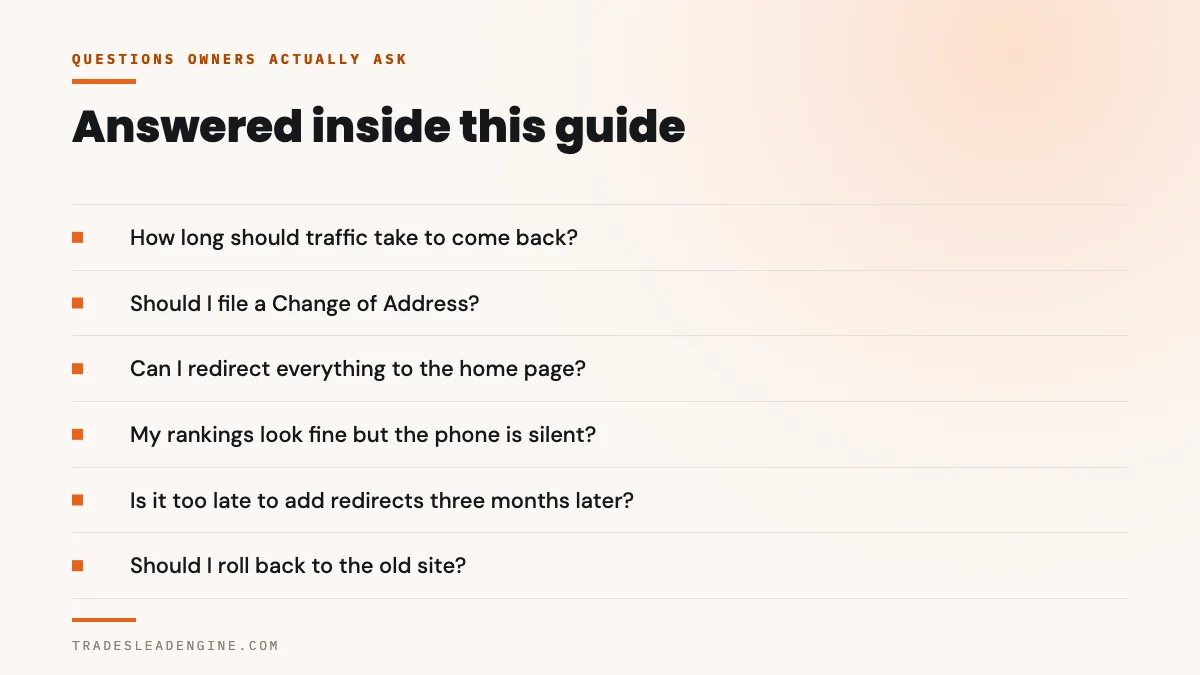
How long should a website redesign traffic drop take to recover?
If the cause has been fixed, Google’s own estimate for a move is that “a small to medium-sized website can take a few weeks for most pages to move, and larger sites take longer”. A few weeks, not a few quarters. The clock starts when the fix lands, not when the site launched, so eight weeks of waiting with a broken redirect map is eight weeks of nothing. If you are past a couple of months on a small site and still far below your old level, the fault has probably not been found yet.
Should I file a Change of Address in Search Console?
Only if your domain name or subdomain changed. Google lists moving pages within the same site as a case not to use the tool for, and says to “just add redirects, and update your sitemaps” instead. The same applies to an http to https move, a move between the www and non-www versions of your domain, and a change of hosting that does not change any addresses. If your rebuild kept the same domain, the tool will not help and filing it can create false comfort.
Can I just redirect everything to the home page?
You can, and it will not do what you want. Google’s instruction is to decide where each old address should point individually, because a redirect is a statement about what replaced that specific page. Sending forty specific pages to one general page tells Google those queries no longer have a relevant answer on your site. Mapping page to page is more work and it is the work that actually transfers what the old pages had earned.
My rankings look the same but the phone is silent. What do I check?
That shape points away from search entirely. Submit your own contact form from your phone and confirm three things: the notification arrives, its reply to address is the customer rather than a noreply address, and a stored record exists in the site’s admin area. Then tap the phone number in the header and check the website link on your Google Business Profile. One of those almost always explains it, and most of them are an afternoon’s work. Traffic without calls covers the conversion side in more depth.
Is it too late to add redirects if we launched three months ago?
No. Redirects work whenever you add them, and Google will reprocess the old addresses once it can see the forwarding order. You will have lost ground in the meantime and recovery will not be instant, but the fix is the same fix. Google asks that redirects then stay in place “generally at least 1 year” so that everything the old pages earned has time to transfer, which is an argument for adding them now rather than deciding the window has closed.
Should I roll back to the old website?
Rarely, and not as a first move. A rollback is a second address change, so it restarts the whole recrawling process and can leave you worse off than either version. Diagnose first. If the cause is a noindex checkbox or a missing redirect map, the new site becomes the old site’s equal within weeks of the fix, with none of the churn. A rollback makes sense mainly when the new site is so broken that nothing can be tested on it.
How do I tell whether it was my redesign or a Google update?
Compare dates. Google publishes every ranking update with a start date on its public Search Status Dashboard. Write down the start of any update within a week of your launch. If they overlap, nobody can honestly separate the two causes, and you should still fix the mechanical faults, because those are provable and an algorithm change is not. Google also advises waiting “at least a full week after a core update completes” before drawing conclusions from your numbers.
Who should pay to fix a redirect map that was never built?
That depends entirely on what your contract said the build included, which makes it a question for an attorney rather than for a marketer. What you can do without legal advice is get the technical facts in writing: which old addresses existed, which now resolve, and which were redirected. That document is what any professional, on either side, will ask for first. It is also what turns an argument about quality into a list of specific items.
Want the diagnosis in writing before you make a decision
The free Lead Engine Scorecard checks whether your pages are reachable and indexable, whether your old addresses still resolve, whether the forms and the phone work on a phone, and whether AI assistants can read and cite you at all. You get the findings as a list you can hand to anybody. No sales call required, and you can email leads@tradesleadengine.com or call (726) 224-4920 if you would rather talk it through.
If the rebuild is still ahead of you rather than behind you, the two things worth getting in the contract are a page by page redirect map and a named date by which it will be verified in Search Console. How we build contractor websites treats both as part of the job rather than as extras, and what a build actually costs sets out what should be included at each price.
If your Maps visibility moved at the same time, why you do not appear in every city is a separate mechanism worth ruling out. If you want to know whether AI assistants can still read the new site, being missing from ChatGPT covers that. The rest of the library is indexed at our guides for Texas trades.
Sources
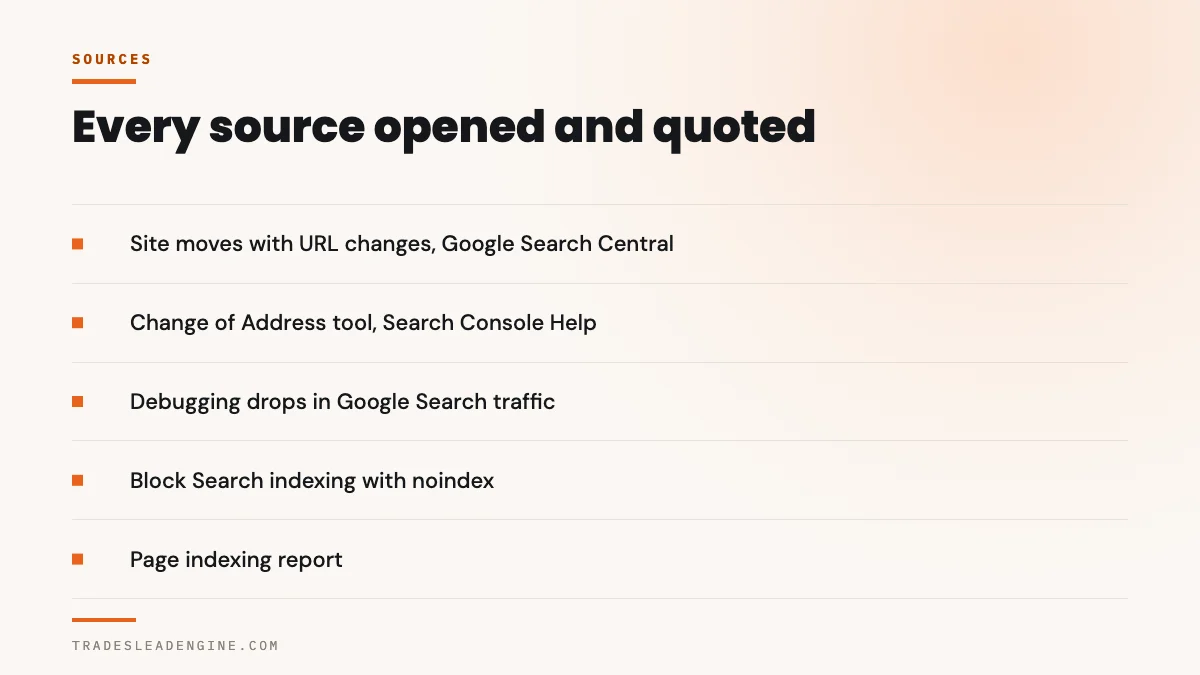
- Site moves with URL changes, Google Search Central: the recommendation to use server side permanent redirects such as 301 and 308, the instruction to decide where each old address should redirect to, the guidance to keep redirects “generally at least 1 year”, the “few weeks” estimate for a small to medium site, and the advice to redirect to the final destination directly rather than through chains.
- Change of Address tool, Google Search Console Help: that the tool is for moving “from one domain or subdomain to another”, the four listed cases not to use it for including moving pages within the same site, the 180 day migration period, and the instruction to maintain redirects for at least 180 days.
- Debugging drops in Google Search traffic, Google Search Central: the six categories of cause, the instruction to start with the main chart in the Performance report, and the reading of impressions holding while clicks fall.
- Redirects and Google Search, Google Search Central: that permanent redirects show the new target in search results while temporary redirects show the source page, and that a server side redirect “has the highest chance of being interpreted correctly by Google”.
- Block Search indexing with noindex, Google Search Central: that Google will “drop that page entirely from Google Search results”, and that a page blocked by robots.txt is never read, so the crawler never sees the noindex rule.
- Page indexing report, Google Search Console Help: the wording of the rows an owner will actually see, including “Not found (404)”, “Page with redirect”, the noindex directive row and the robots.txt row.
- URL Inspection tool, Google Search Console Help: that results come from the most recently indexed version rather than the live page, that Test live URL “fetches and examines the URL in real time”, and that requesting indexing does not guarantee it.
- Settings Reading Screen, WordPress documentation: the wording of the “Discourage search engines from indexing this site” option, that since version 5.3 it writes a noindex and nofollow instruction into the page head, and that it does not block visitors.
- wp_mail(), WordPress Developer Reference: that a true return value “does not automatically mean that the user received the email successfully”, which is the mechanism behind a form that reports success and delivers nothing.
- Understanding page experience in Google Search results, Google Search Central: that there is “no single signal” for page experience, and that Search “always seeks to show the most relevant content, even if the page experience is sub-par”.
- September 2026 spam update, Google Search Status Dashboard: released 24 September 2026 at 09:15 Pacific, with the note that the rollout “may take up to two weeks to complete” and no completion recorded at the time of writing.
- Google Search’s core updates and your website, Google Search Central: the recommendation to wait “at least a full week after a core update completes” before analysing your site.
- New site, drop in organic traffic, no drop in rankings, Local Search Forum: a worked case in which a post redesign traffic collapse with stable rankings was traced to incorrectly formatted tracking code, with a simultaneous jump in direct traffic as the tell.