

The call usually comes in the same shape. A roofing company in the Metroplex decides to change marketing companies after four quiet years, gives notice politely, and then discovers that the domain they’ve had since 2014 is registered to a Gmail address belonging to a contractor who moved to Arizona. The old provider isn’t refusing to help. They just can’t find the login either.
When this happens, the explanation offered is almost always that it’s normal, everyone does it this way, and it’ll be sorted out. Sometimes that’s true. Often the sorting-out takes six weeks, costs the company its top rankings, and ends with a new domain and a decade of link equity thrown away.
The structural reason is simpler than a conspiracy. A website isn’t one thing you buy. It’s a domain registration, a hosting account, a content management system, a set of software licences, the content itself, a handful of tracking properties, some phone numbers and a Business Profile — eight or nine distinct accounts, each of which can sit in a different person’s name. Agencies set them up in whichever account is fastest at the time, which is nearly always theirs. Nobody decides to take your domain hostage. They just never decide not to.
So this is the checklist for working out whether you own your website. Nine specific questions, the answers that should make you comfortable, a table of who ought to hold what, and the one arrangement that costs Texas contractors more than any other — the platform you rent and lose the moment you stop paying.
What’s in this guide
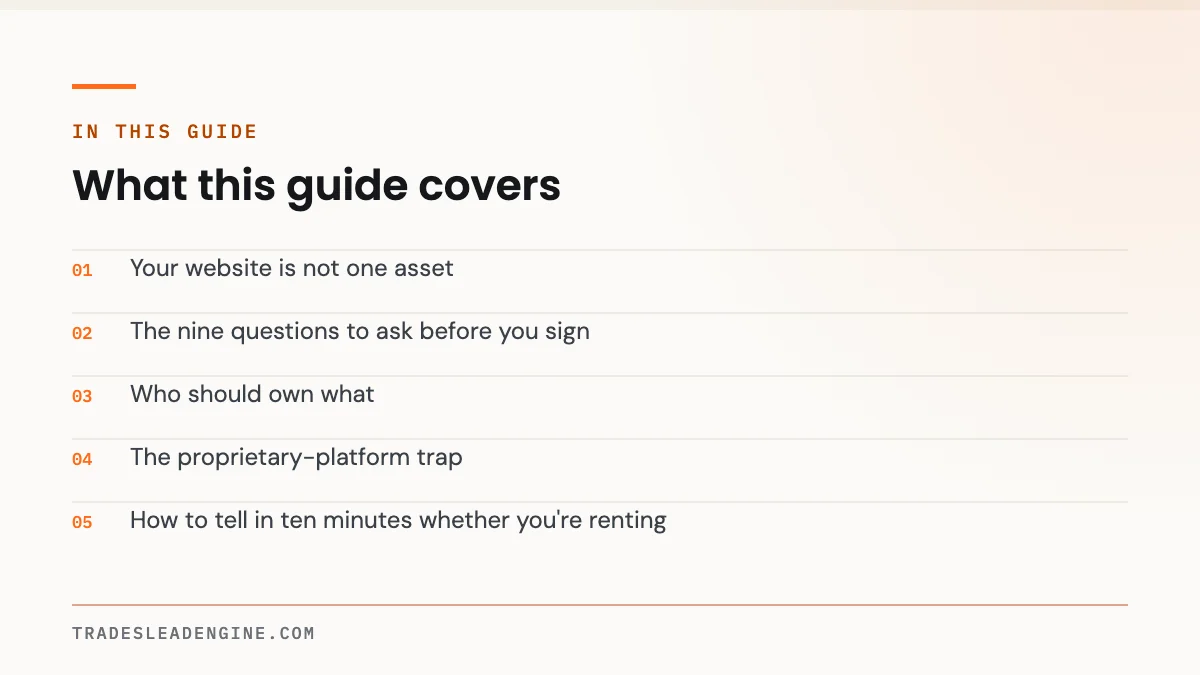
Your website is not one asset
Ask a contractor who owns their website and you’ll get a confident yes. Ask who the domain is registered to and the confidence drops. Ask for the login to the hosting account and the conversation ends.
Most contractors stop at “I paid for it, so it’s mine.” That is not analysis. Payment establishes very little on its own — in the absence of a written agreement, the person who created the work often retains the copyright in it, the registrar recognises whoever’s email is on the account, and the hosting company will only talk to the account holder. What you paid for was a service. What you own is whatever the paperwork and the account records say you own.
Here’s the part that makes it urgent rather than theoretical. Rebuilding is expensive — one industry estimate puts a custom contractor build at $7,500 to $20,000 — but the rebuild is the cheap half of the loss. The expensive half is the search visibility attached to those specific URLs, which took years to earn and does not transfer to a new domain by wishing.
The nine questions to ask before you sign
Ask all nine. Ask them by email so you have the answers in writing. A good provider will answer every one in a paragraph and won’t be offended — we get asked these and the answer takes five minutes.
1. Who is the domain registered to, and can I log in to the registrar today?
The domain is the single most important item on this list, because everything else can be rebuilt and the domain cannot be recreated. It should be registered in your business’s name, at a registrar where you hold the account credentials, with your own email as the administrative contact.
The right answer: “It’s in your name at your registrar. Here’s the login. We have access as a delegated user, which you can revoke at any time.” The wrong answer: “We manage all that for you, don’t worry about it.”
2. Whose name is on the hosting account?
Agency-held hosting is common and not automatically a problem — plenty of good firms host clients on their own infrastructure, and there are real performance reasons to do it. What matters is whether you can get a complete copy of the site and move it. Ask directly: “If I leave, do I get a full backup — files and database — and will you help point the domain at a new host?”
If the site is on a platform the agency built itself and there’s no exportable copy, you’ve found the trap, and section four is the one to read.
3. Do I have full administrator access to the CMS — and who else does?
You should have an administrator account in your own name on whatever runs the site, with the ability to add and remove other users, including the agency’s. Editor access is not the same thing. An editor can change text; an administrator controls the site.
Also worth asking: is this a standard content management system or something proprietary? A standard CMS means any competent developer in Texas can pick up the work. A proprietary one means only the company that built it can.
4. Who holds the licences for the theme, page builder and plugins?
This is the quiet one. A lot of contractor sites run on a commercial page builder and half a dozen paid plugins licensed to the agency’s account, sometimes under a developer or unlimited-sites licence. The site works fine — right up until the licences stop covering it and updates quietly stop arriving. An unpatched builder plugin is how sites get defaced.
Ask for a list of every paid component, whose account holds each licence, what each costs annually, and what happens to them if you leave. The answer you want is that the licences are yours, or that transferring them is explicitly covered.
5. Do I own the content and the photographs outright?
Copy, service page text, blog posts and photography are creative works, and the default position without a written assignment is often that the creator keeps the rights and you have a licence to use it. Most of the time nobody ever tests this. Occasionally someone does, on their way out the door.
You want a written assignment of all rights in the content produced for you, and a clear statement on photography — whether the shoot was work-for-hire with rights assigned, or a licence, and whether that licence survives the end of the contract. If stock imagery was used, ask whose account licensed it, because stock licences are not transferable by default and you may be publishing images you have no right to use.
6. Who owns the analytics, Search Console and tag manager properties?
Losing your analytics history is losing the ability to prove what worked. Every tracking property — analytics, Search Console, tag manager, any heatmap or call analytics tool — should be created in an account owned by your business, with the agency added as a user.
It’s the reverse of how it’s usually done, and it’s a two-minute difference at setup. Make the property in your account, then grant access. If it already exists in theirs, most platforms allow ownership transfer; ask for it now rather than during a handover.
7. Whose name is on the call tracking numbers?
Tracking numbers are a genuine ownership hazard, because they end up printed on trucks, yard signs, invoices and vehicle wraps. If the number is provisioned inside the agency’s call tracking account and you leave, you can lose it — and a number you’ve advertised for five years is not a trivial thing to lose.
Two protections. Keep your real business line as the number displayed on your Google Business Profile and your printed material, and use tracking numbers only for measuring specific channels. And ask, in writing, whether tracking numbers can be ported out to an account in your name.
While you’re there, ask what happens to the calls themselves. Invoca’s 2026 benchmarks across more than 70 million calls found only 52% of inbound home-services calls are answered by a person. Tracking numbers that route through a system you don’t control are numbers you can’t fix when they stop being answered.
8. Who controls the Google Business Profile and the review profiles?
Your Business Profile is not part of the website, and it is frequently the most valuable digital asset a trade company has. It must be owned by a Google account belonging to your business, with the agency added as a manager. Never the other way around.
The reason is reviews. BrightLocal’s 2026 survey of 1,002 US adults found 97% of consumers read reviews for local businesses, 47% won’t use a business with fewer than 20 reviews, and 89% expect owners to respond to them. If the account that can respond to reviews isn’t yours, you’ve outsourced the most public-facing part of your reputation to a third party’s login.
The same applies to any other review profile someone set up on your behalf — you should be able to log in to each of them today. Keeping control here is the foundation of a reputation programme that survives a change of vendor.
9. What exactly happens to the site if I leave?
Ask for the answer as a list, not a reassurance. Specifically: do I keep the domain, a full export of the files and database, the CMS itself, all content and photography with rights, the analytics and Search Console properties, the tracking numbers, and the Business Profile? How long do I have to collect it? Is there an offboarding or transfer fee, and how much?
“You keep everything” is not an answer. “You keep everything except the site itself, which runs on our platform” is an answer — and it’s the one you need to hear before signing, not after.
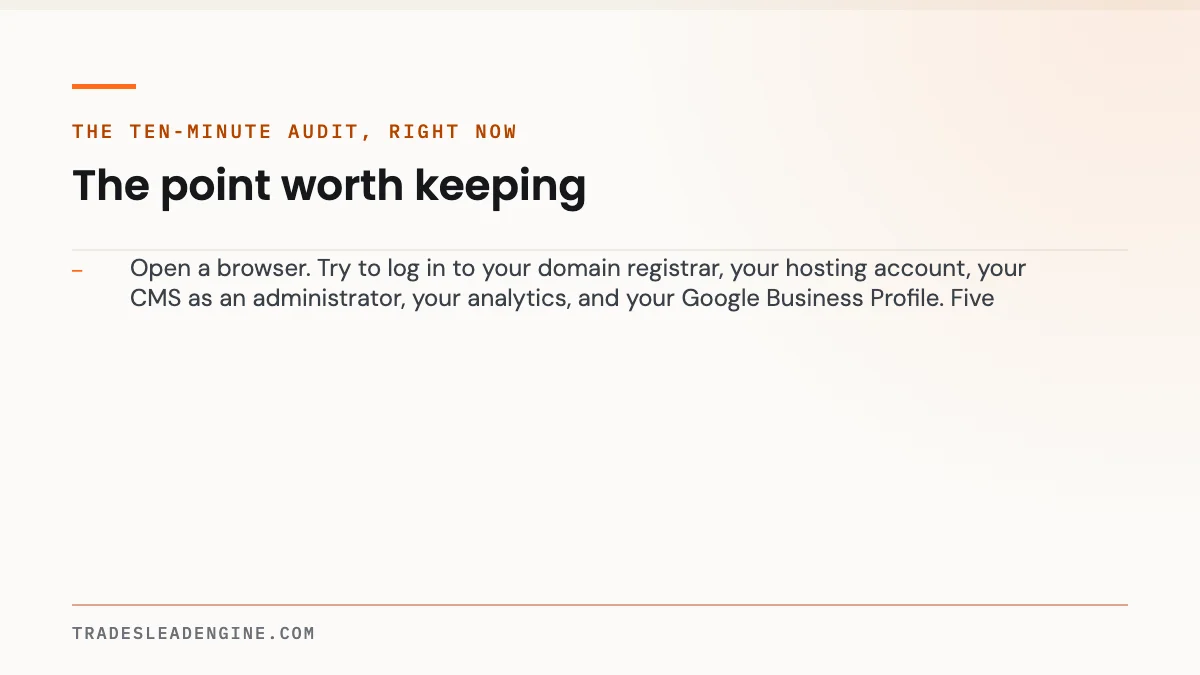
Open a browser. Try to log in to your domain registrar, your hosting account, your CMS as an administrator, your analytics, and your Google Business Profile. Five logins. Any one you can’t complete without calling someone is an asset you don’t currently control — and now is a much better time to find out than the week you’re switching providers.
Who should own what
| Asset | Should be owned by | Agency should have | How to verify it today |
|---|---|---|---|
| Domain name | You — registrar account in your business name | Delegated user access you can revoke | Log in to the registrar. Check the registrant and admin email. |
| Hosting account | You, or agency with guaranteed full export | Management access | Ask for a full backup — files and database — and confirm you can receive it. |
| CMS / site software | You — administrator account in your name | Their own admin account, separate from yours | Log in as admin and view the user list. Anyone you don’t recognise? |
| Theme, builder and plugin licences | You, or transferable on exit | Ability to install and update | Request a written list of paid components and licence holders. |
| Website copy and blog content | You — by written assignment of rights | A licence to use it in your marketing | Find the IP clause in your contract. If there isn’t one, that’s the finding. |
| Photography and video | You — work-for-hire with rights assigned | Permission to use it in your marketing | Ask who shot it and whose stock account licensed anything purchased. |
| Analytics, Search Console, tag manager | You — property created in your account | User access at admin level | Check the property’s owner account, not just whether you can see data. |
| Call tracking numbers | You — or contractually portable | Configuration access | Ask in writing whether numbers can be ported to your own account. |
| Google Business Profile | You — Google account owned by your business | Manager access | Open the profile and check who the primary owner is. |
| Review profiles and directory listings | You — business email on each account | Manager access where offered | Try logging in to each one without help. |
Setting up a domain inside the agency’s own registrar account is faster, and asking a busy contractor to create four accounts before work can start feels like friction. Most of the firms that do this would hand everything over tomorrow if asked. The risk isn’t villainy — it’s that a business closes, a developer leaves, an email address dies, and there’s nobody left who can prove who the account belongs to.
The proprietary-platform trap
Here’s the arrangement that costs contractors the most, and it rarely looks like a trap when it’s sold. The offer is attractive: no build fee, or a small one, and a flat monthly figure — $299, $399, $499 — covering the site, hosting, maintenance and “marketing.” No large cheque up front. Cancel any time.
What isn’t said plainly is that the site is built on software the vendor owns. Not a standard content management system with an export button, but their own platform. Your pages exist inside their system the way a listing exists inside a classifieds site. Cancel, and there is nothing to move — not because anyone is being punitive, but because the thing you were using was never a transferable object.
| What you had | On a proprietary platform | On a site you own |
|---|---|---|
| The pages and their structure | Gone. Often no export exists in any usable format. | Exported as files and a database, ready to move to a new host. |
| Your written content | Sometimes copy-pasteable page by page, if you act before access ends. | Yours, with a written assignment of rights. |
| Your URLs and search rankings | Lost with the pages. New URLs start from zero. | Preserved, or carried over with a redirect map. |
| The domain | Usually kept — but pointing at nothing. | Kept and repointed in an afternoon. |
| Analytics history | Gone if the property lived in their account. | Retained in your own property. |
| Tracking phone numbers | Frequently non-portable. The number on your trucks stops working. | Ported, or never tracked in the first place on printed material. |
| Cost to get back to where you were | A full rebuild, plus months of lost visibility | A migration, typically days |
Two questions cut straight through it. “Is this a standard content management system, and can I take a full export with me?” and “Can a different developer maintain this site without your company?” Two noes means you’re leasing. Decide with your eyes open, and price the exit into the decision — the tier ranges in what a contractor website actually costs in Texas are what a rebuild will run you when the arrangement ends.
Not sure what you actually own?
The free Lead Engine Scorecard checks the public record for you — who holds your domain, where the site is hosted, what platform it runs on, and whether your tracking and review profiles are under your control or someone else’s.
Run the free Scorecard
Or send the proposal over to leads@tradesleadengine.com and we’ll tell you what the ownership clauses actually say — same business day.
How to tell in ten minutes whether you’re renting
Renting or owning — a four-check test
Work left to right. Any “no” is an asset you don’t control, and each one is fixable while the relationship is still good.
If you’re already locked in
Plenty of contractors read this and recognise themselves. You’re four years into a monthly arrangement, the site is on somebody’s platform, and the domain may or may not be in your name. Nothing here is fatal, and panicking into a cancellation is the worst version of it.
Do these in order. First, establish the domain position — if it’s not registered to your business, that’s the one thing to resolve before anything else changes, and it’s usually a polite email. Second, take a manual copy of everything you can reach: every page’s text into a document, every photo downloaded, your review responses, your service descriptions. It’s a dull afternoon and it’s insurance.
Third, create the accounts that should have been yours from the start — your own analytics property, your own Google account as owner of the Business Profile — and run them alongside. Fourth, only then have the conversation about what happens next, whether that’s renegotiating with your current provider or moving. Leverage comes from having the domain and a copy of the content, and it disappears the moment you give notice without them.
Contracts, intellectual property assignment and work-for-hire rules are legal matters, and the right answer depends on what your specific agreement says. Everything here is general information to help you ask better questions — have a Texas attorney review any marketing contract before you sign it, particularly the clauses covering IP ownership, termination and what transfers on exit. That review costs a fraction of a rebuild.
What to get in writing
| Clause | What it should say |
|---|---|
| Domain ownership | The domain is registered to the client and remains the client’s property. The provider holds delegated access only. |
| Content and IP assignment | All copy, content, photography and design deliverables are assigned to the client on payment, with no ongoing licence fee. |
| Data portability | On termination, the provider supplies a complete export — files, database, media library — within a stated number of days, at no charge. |
| Account ownership | All analytics, Search Console, advertising and Business Profile accounts are owned by the client, with the provider added as a user. |
| Number portability | Any tracking numbers used in the client’s advertising can be ported to a client-held account on request. |
| Termination and notice | Notice period, any offboarding fee stated as a number, and what happens to work in progress. |
| No hostage clause | Access and exports are not withheld over billing disputes. Disputes are handled as disputes, not as leverage over your website. |
Leaving without losing your rankings
Ownership is the precondition; a clean migration is the execution. The most common way contractors lose traffic when changing providers isn’t sabotage, it’s a new site launched on new URLs with no redirect map — every page Google knew about returns an error, and the rankings go with them.
What a competent migration includes: a crawl of the existing site capturing every URL before anything changes, a one-to-one redirect map from old URL to new, Search Console access retained through the transition so you can see what breaks, and a post-launch crawl to catch errors in the first week. Google’s own documentation is clear that URLs and redirects matter; this isn’t an advanced technique, it’s the baseline.
Use the move to fix what was broken anyway. Check Core Web Vitals on mobile before and after, so you can prove the new build is faster rather than assuming. And don’t change the domain unless there’s a compelling reason — a rebrand is a reason, a new agency’s preference is not.
If you’re planning a move, our guides on diagnosing why a site gets traffic but no calls and how long local SEO actually takes are worth reading first, so the brief you hand the next team is about outcomes rather than looks. And whoever builds it — us or someone else — the ownership checklist above should be answered before a contract is signed. It’s the same standard we hold ourselves to on every build we do.
Questions contractors actually ask
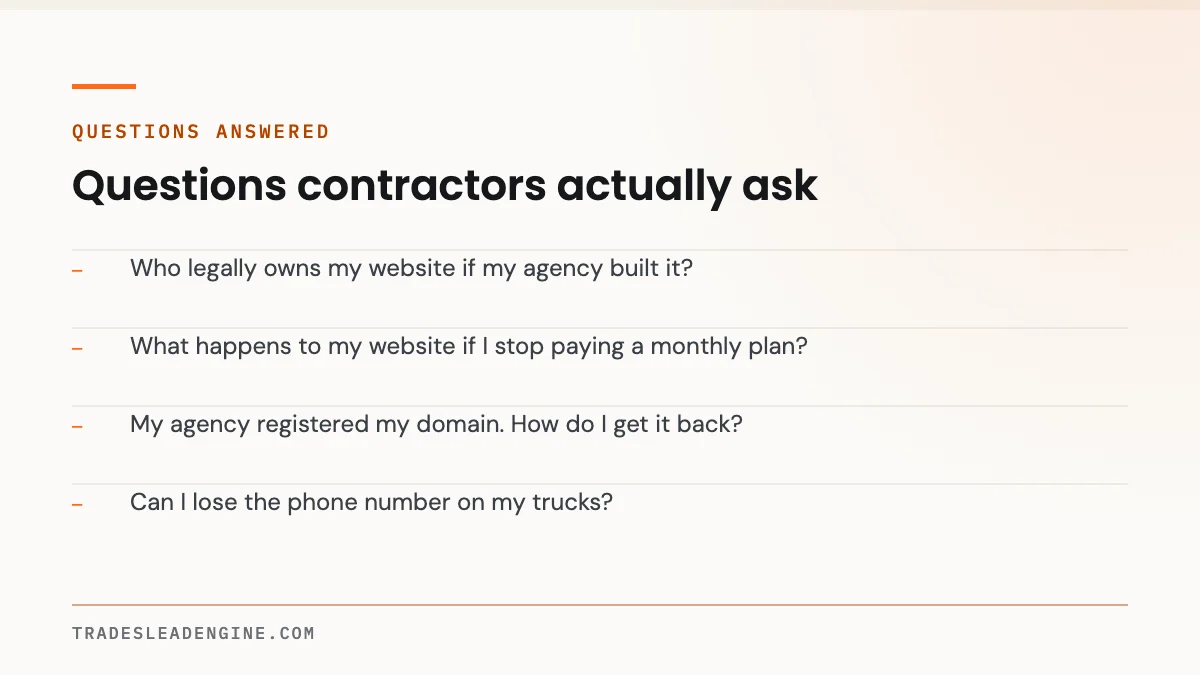
Who legally owns my website if my agency built it?
It depends entirely on your written agreement. Paying an invoice does not automatically transfer copyright in the design, code or content — without a written assignment, the creator may retain rights and you hold a licence to use the work. Ask for an explicit IP assignment clause, and have a Texas attorney review it. This is general information, not legal advice.
What happens to my website if I stop paying a monthly plan?
On a standard content management system you’d normally keep an exportable copy and move it to new hosting. On a proprietary platform, the pages typically cease to exist when the subscription ends, because they only ever existed inside the vendor’s system. Ask which of the two you’re on before you sign, and get the answer in the contract.
My agency registered my domain. How do I get it back?
Ask politely first, in writing, while the relationship is good — most providers will transfer it or add you as the account owner without argument. You’ll need the registrar, the account details and an authorisation code to move it elsewhere. If the domain is registered to your business name but held in their account, your position is much stronger than if the registrant is the agency itself.
Can I lose the phone number on my trucks?
You can, if it’s a tracking number provisioned inside your provider’s account rather than a line you own. Keep your real business line as the number on your vehicles, signage and Google Business Profile, use tracking numbers only for measuring specific campaigns, and confirm in writing that any tracking number can be ported to an account in your name.
Do I own my Google Business Profile?
Only if the Google account that is the profile’s primary owner belongs to your business. Agencies should hold manager access, never ownership. Check the profile’s owner today, because it affects your ability to respond to reviews — and BrightLocal’s 2026 survey found 89% of consumers expect owners to respond, with 80% more likely to use a business that replies to all reviews.
Is a leased website ever a reasonable deal?
It can be, if you understand the trade and price the exit in. No capital outlay and nothing to maintain suits some small operations. The problem is that it’s rarely explained at the point of sale, and the moment the relationship ends you’re paying for a full rebuild plus months of lost search visibility. Go in knowingly or not at all.
What should I do before I give notice to my current provider?
Confirm the domain is registered to your business, take a manual copy of all page content and photography, create analytics and Google accounts in your own name, and confirm you’re an owner rather than a manager on your Business Profile. Requests like these are routine from a current client and become difficult from a departing one.
Will changing agencies hurt my search rankings?
Not if the migration is done properly. The damage comes from launching new URLs without a redirect map, dropping pages that were ranking, or moving to a new domain without reason. Insist on a full URL crawl before launch, one-to-one redirects, retained Search Console access, and a crawl afterwards to catch errors in the first week.
The five logins that settle it
You don’t need to read a contract to know where you stand today. Open a browser and try to log in to your registrar, your host, your CMS as an administrator, your analytics property and your Google Business Profile. Whatever you can’t reach without asking permission is something you don’t currently control.
If all five work, you own your website, and the remaining questions are about content rights, licences and phone numbers — worth sorting, not urgent. If one or two fail, send the email this week, while everyone is still on good terms. If none of them work, you are renting, and you should find out what that costs to exit before you make any other marketing decision.
Nobody ever regretted having the logins. Plenty of Texas contractors have regretted finding out they didn’t.
Not sure what you actually control? We’ll check it free
The Lead Engine Scorecard reviews your site and your visibility — and flags the ownership issues we can see from the outside, including who your domain is registered to and whether your site can be exported at all.
Get the free Scorecard
Or talk it through: (726) 224-4920 · leads@tradesleadengine.com · contact us
Sources
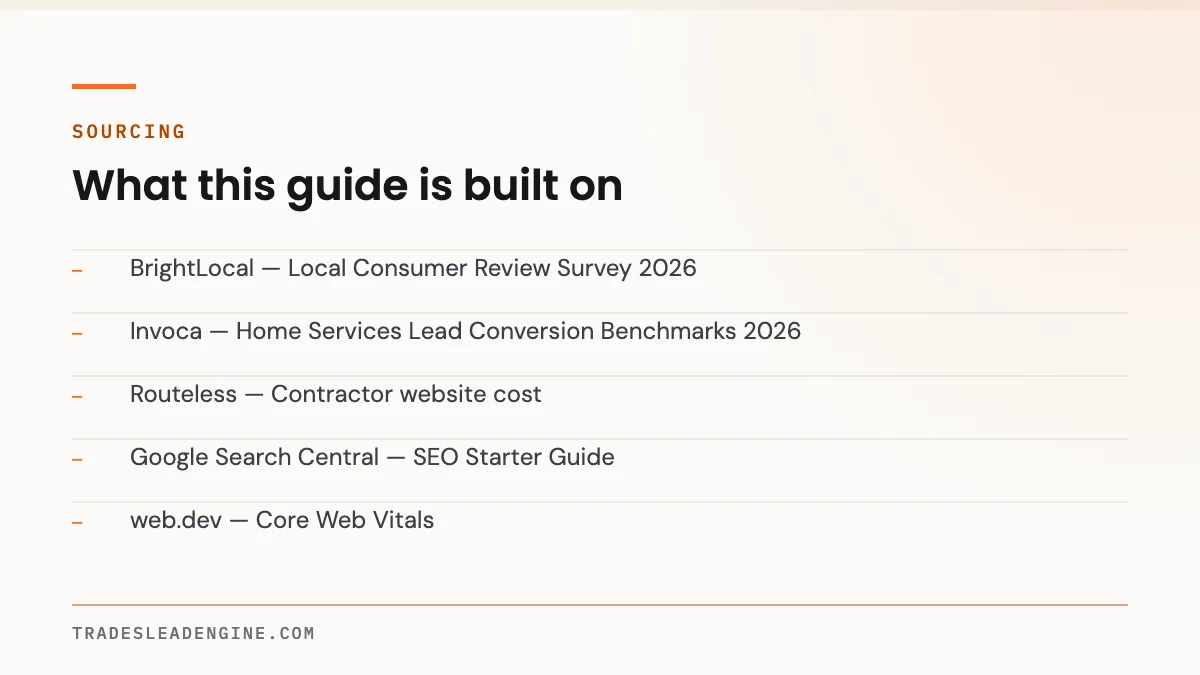
- BrightLocal — Local Consumer Review Survey 2026 (n=1,002 US adults, published February 2026; 97% read reviews, 47% avoid businesses with fewer than 20 reviews, 89% expect owner responses)
- Invoca — Home Services Lead Conversion Benchmarks 2026 (70M+ calls analysed; 52% of inbound calls answered by a person)
- Routeless — Contractor website cost (vendor-published build cost ranges; one industry estimate, not independent research)
- Google Search Central — SEO Starter Guide (URLs, redirects and site migration fundamentals)
- web.dev — Core Web Vitals
- Think with Google — Mobile Page Speed Benchmarks
- Texas Department of Licensing and Regulation
Nothing on this page is legal advice, and no public dataset measures how often contractors lose control of their web assets — the patterns described here come from handovers and migrations we’ve worked on, not from published research. Have a Texas attorney review any marketing agreement before signing, particularly the intellectual property, termination and data portability clauses.